
 New! Website, brand book and mascot for a school in New York
AI · 2026
Dental AI: a smile fitting room for dentistry
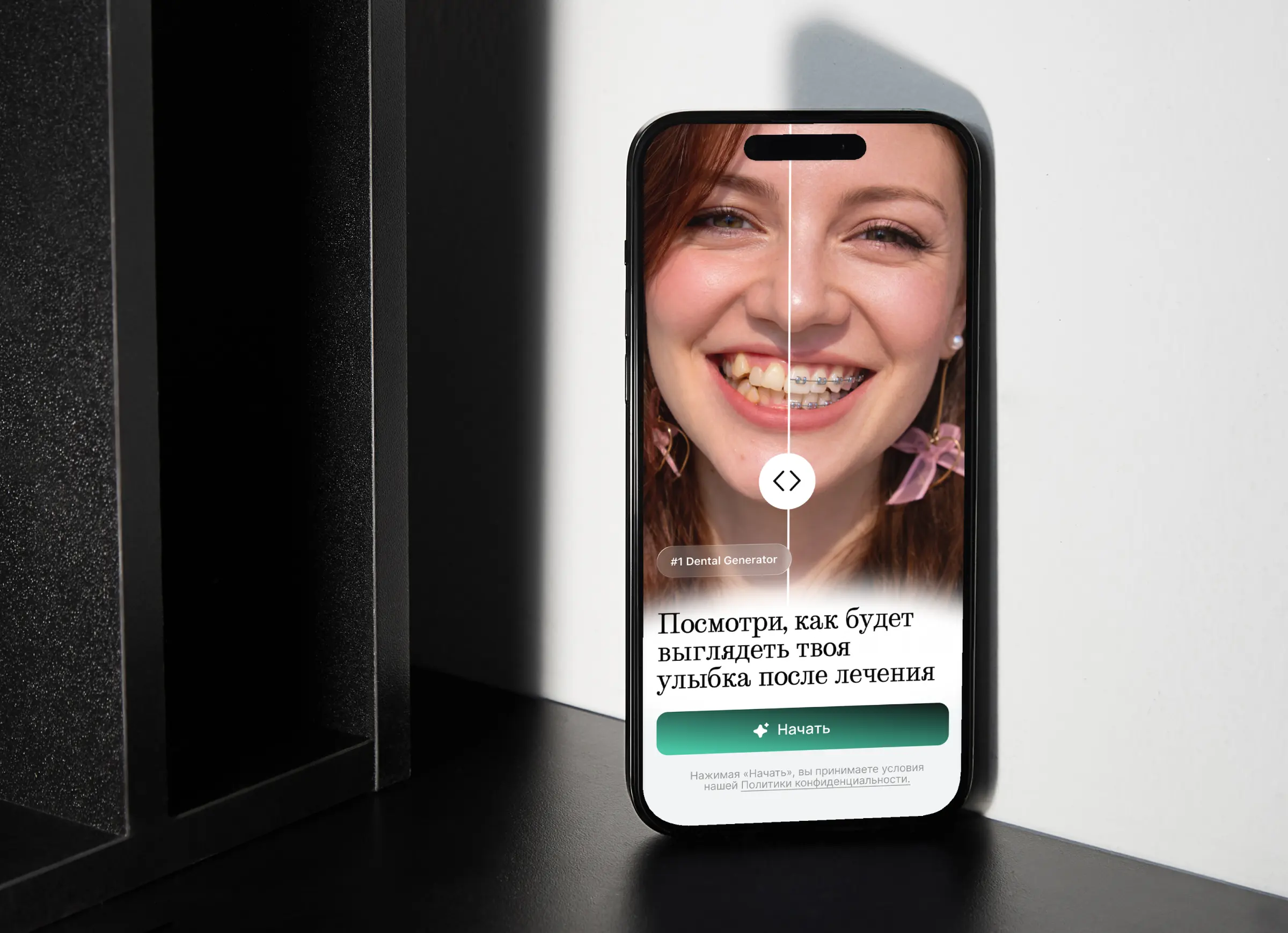
Dental AI is a mobile app for dental clinics. A person uploads their photo, chooses what they want to change (veneers, braces, implants, alignment) and sees what their smile may look like after treatment. At the end they leave their contacts, and the clinic gets in touch to book a consultation.
Dentos

The task
Patients fear treatment partly because they do not know how it will end. Clinics need a tool that shows the result at once and collects the contacts of those who are interested. The result is a smile fitting room: like a fitting room in a store, only for dentistry.
How it works
The whole path takes four steps, and above them there is a “01–04” indicator so that the person sees how many are left.
-
The path scheme
From a photo to a request
- Photoupload a picture of a smile
- Procedureveneers, braces, implants, alignment
- Contactsname and phone
- The resultthe smile before and after, and booking
After processing the person sees the result at once and can book a consultation
-
Welcome
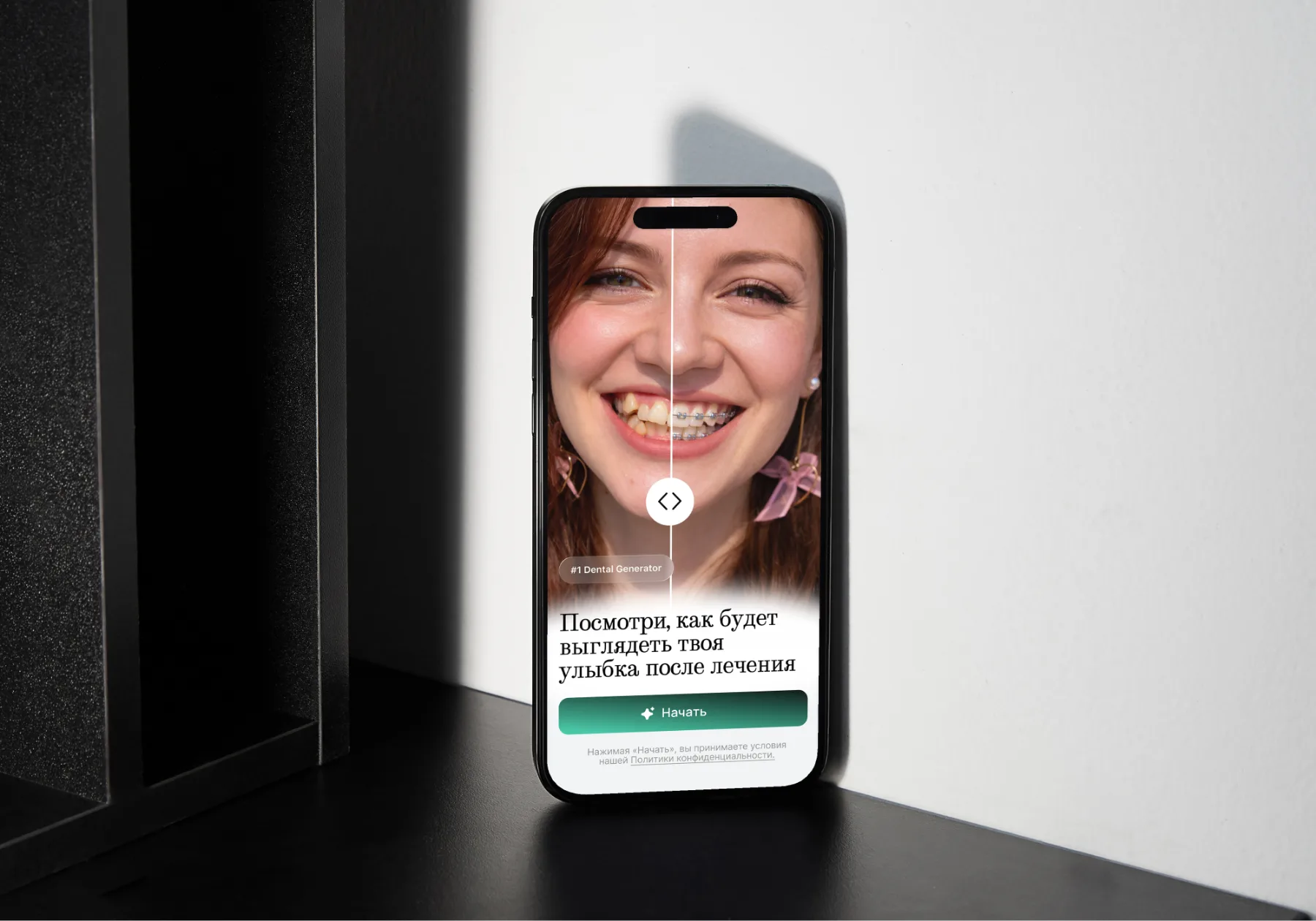
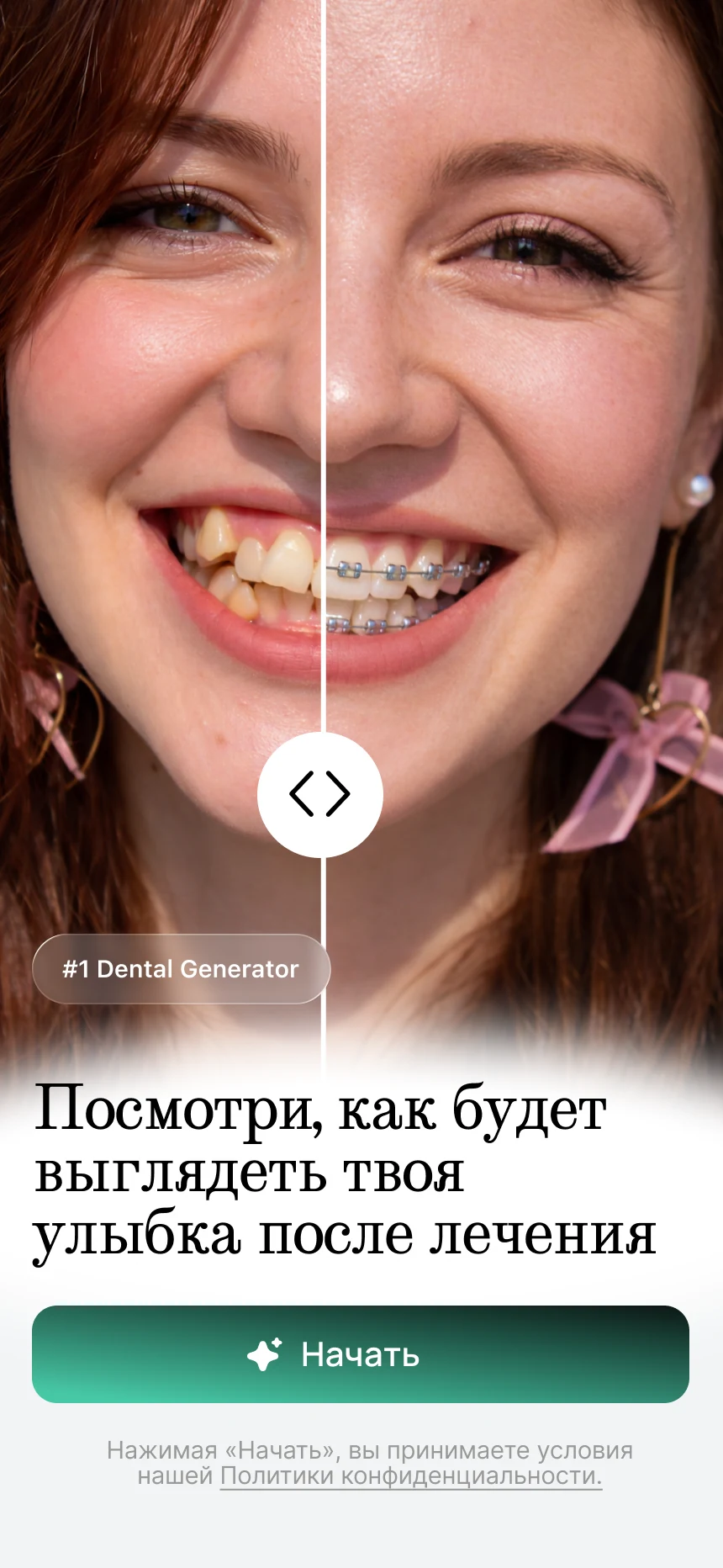
The first screen answers the question “why do I need this”: “See what your smile will look like after treatment”. A photo with a before-and-after slider and a big “Start” button. Under the button is the consent to the privacy policy.
- A slider right away. The before-and-after slider on the first screen explains the product without words.
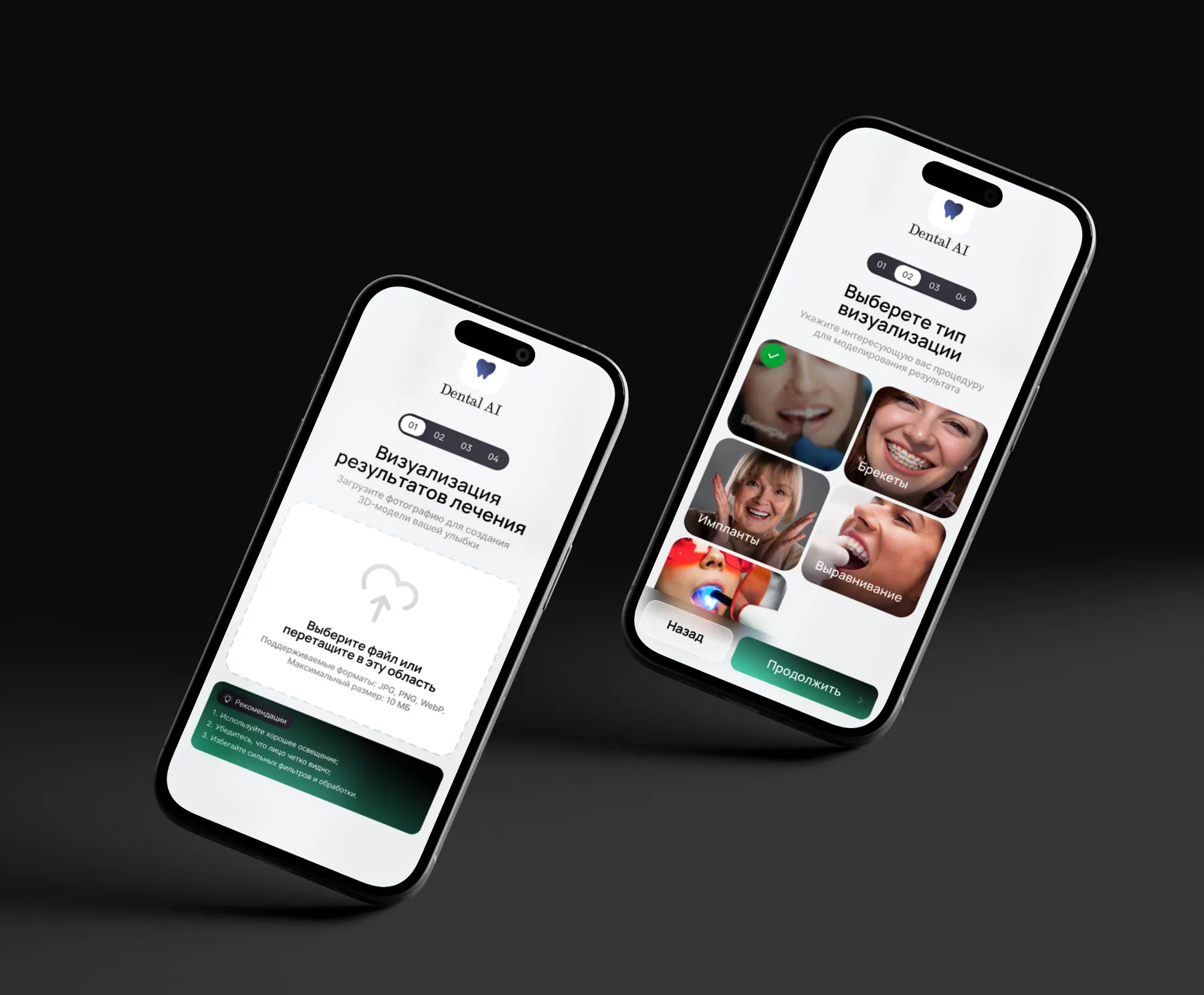
- Photo tips. Before uploading there are three tips: good lighting, a clearly visible face, no heavy filters. JPG, PNG and WebP up to 10 MB are accepted.
- Choosing a procedure. Four cards with photos: veneers, braces, implants and alignment.
Welcome 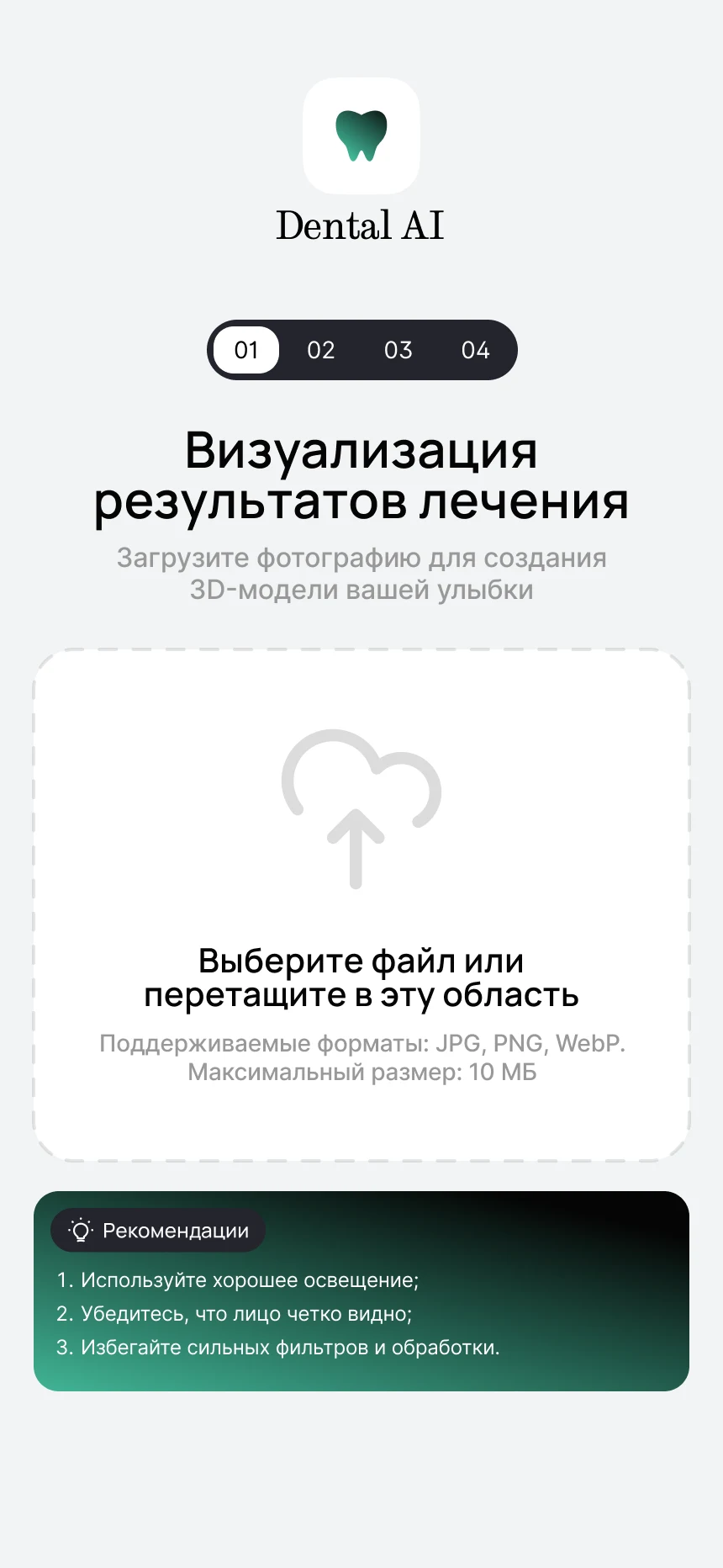
Step 1: photo 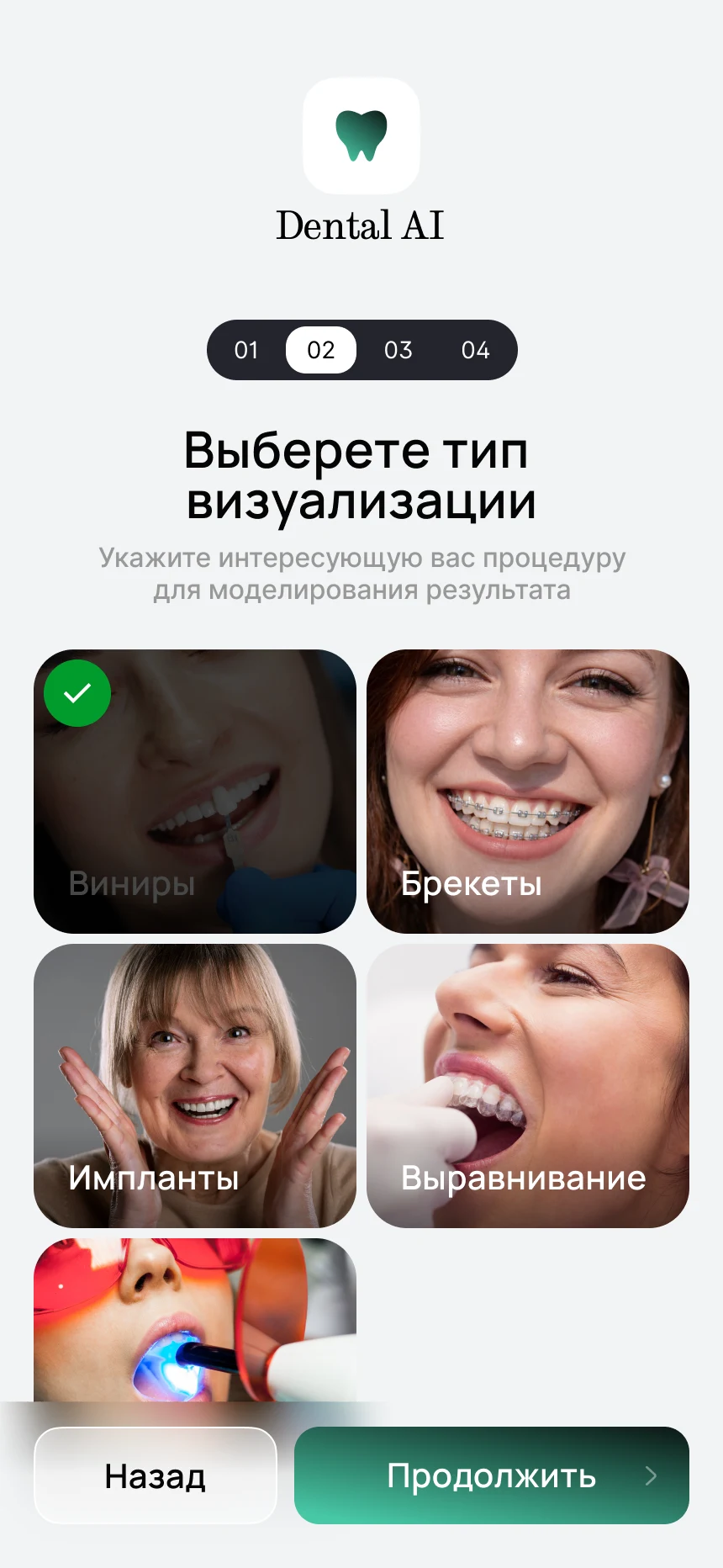
Step 2: procedure -
Contacts, processing and the result
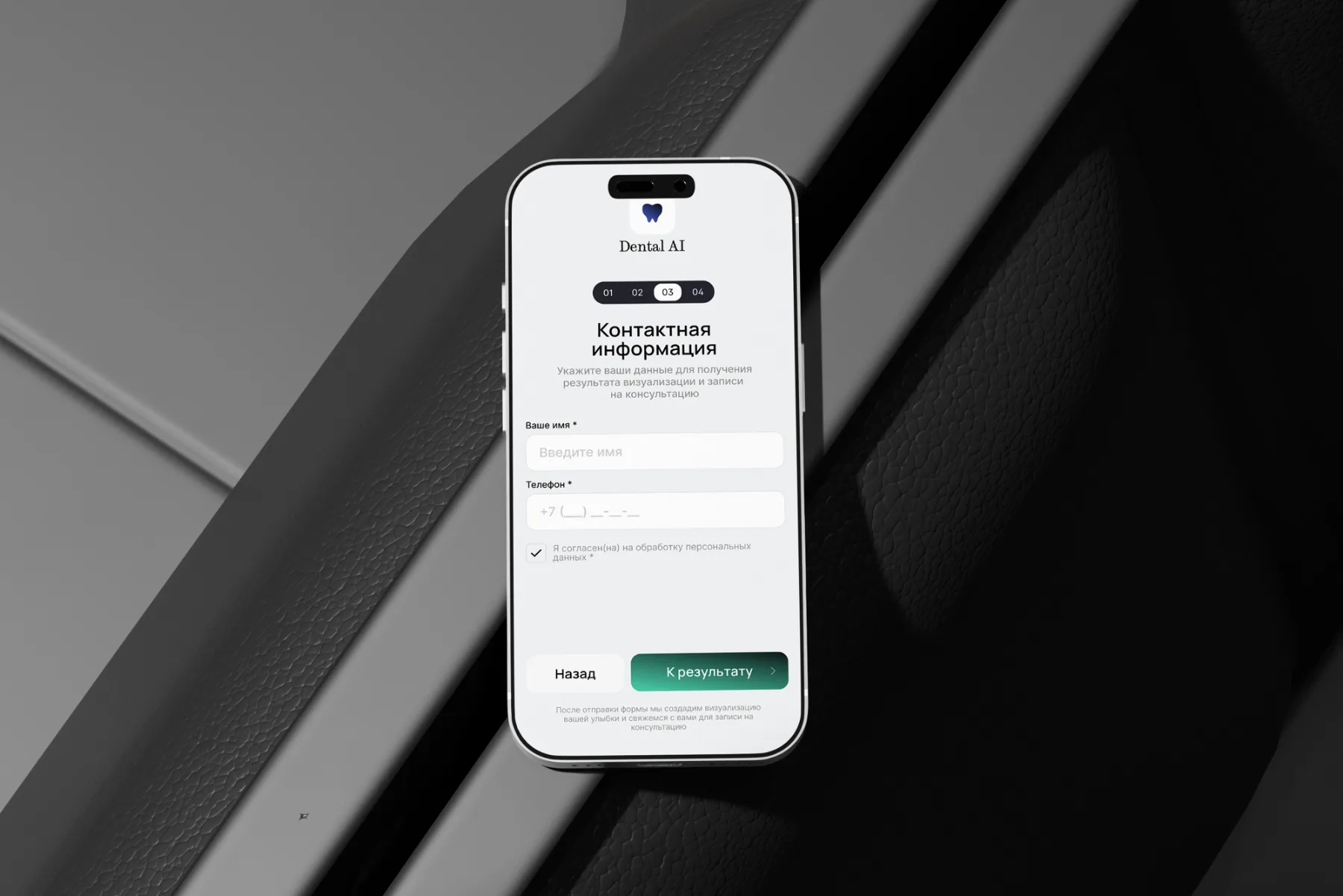
We ask for contacts once, before the result: a name, a phone and consent to data processing. While the image is being processed, the screen shows the percentage of completion. The result comes with a before-and-after slider and a consultation booking button.
- Consent to the point. The checkbox about personal data processing stands next to the fields, not hidden at the end.
- Waiting without worry. A percentage indicator shows that the app is working.
- Booking a consultation. The result leads to the next step: the clinic gets in touch and books an appointment.
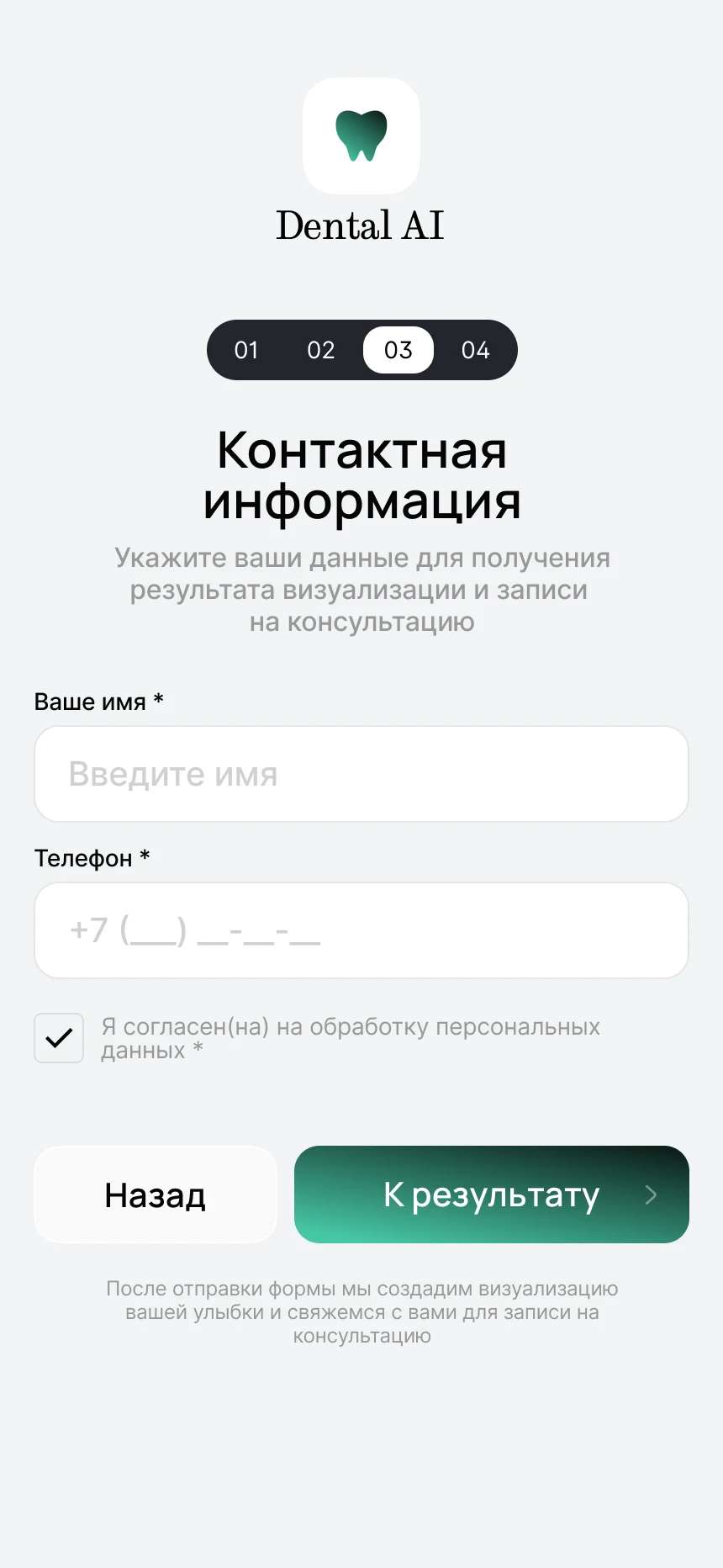
Step 3: contacts 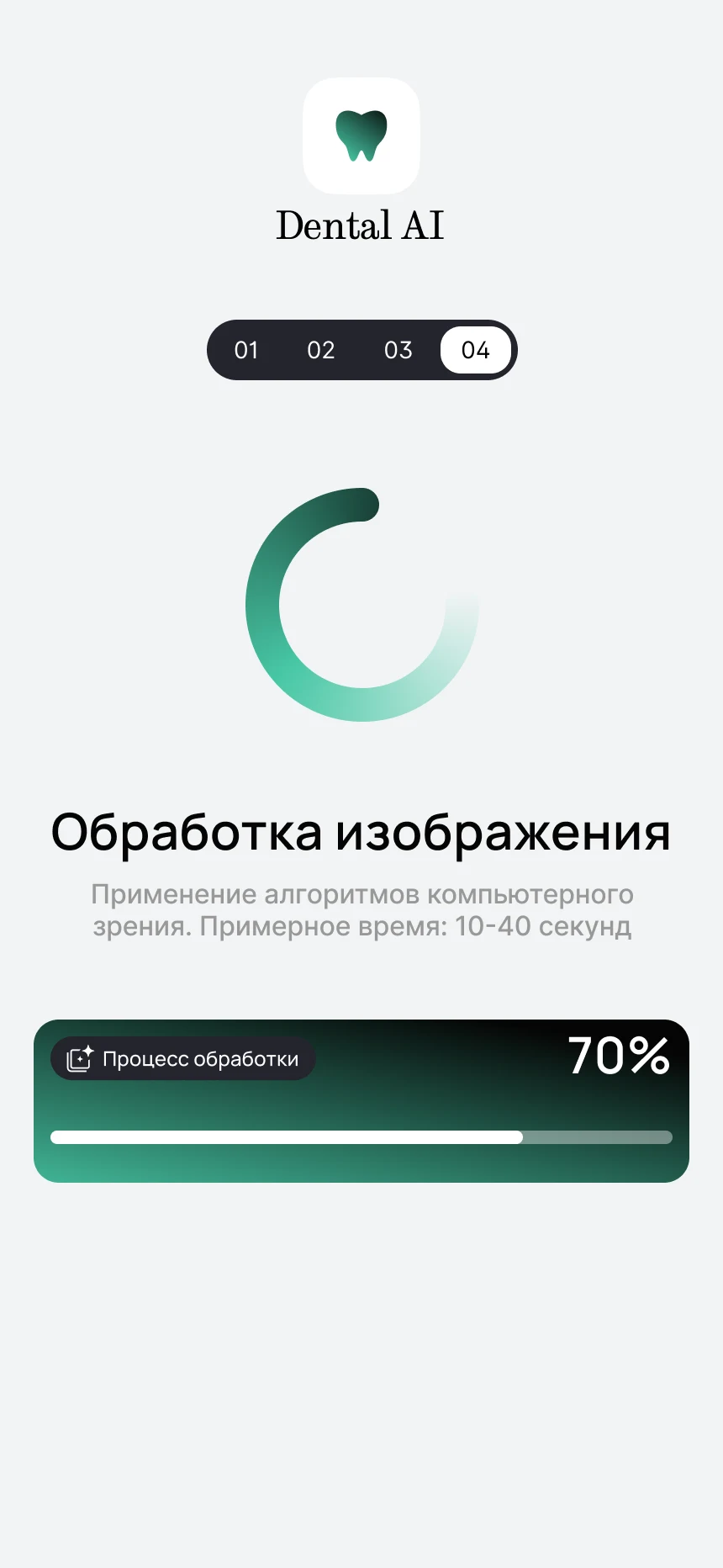
Step 4: processing 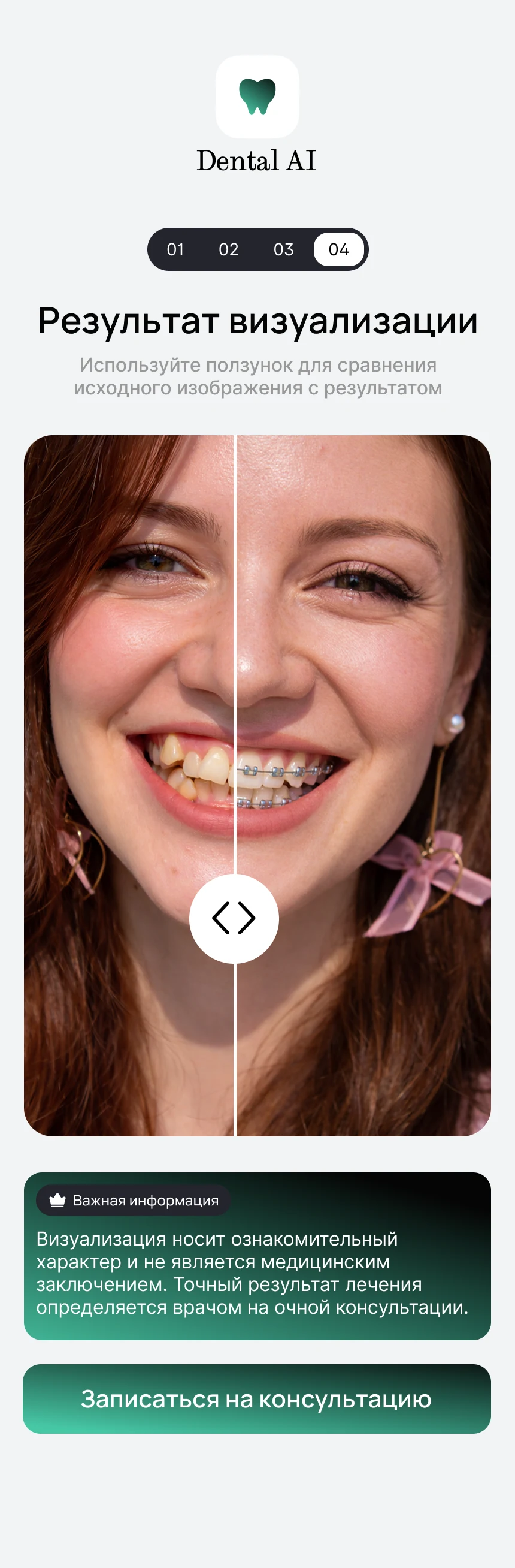
The result
Mockups
The app is shown on phones in scenes for a presentation to a clinic: on a light wall, on a dark table and in a hand.
The result
- A path of four steps without registration: a photo, a procedure, contacts, the result
- A before-and-after slider on the first screen and in the result
- Four popular procedures to choose from: veneers, braces, implants and alignment
- A consultation request at the end of the path, when the person has already seen the result
What the work included
- Interface design
- The user path
- Mobile layout
- AI integration
- A request form
- Mockups
Related services