
 New! Website, brand book and mascot for a school in New York
Web service · 2026
Yeta AI web service: synchronized AI dubbing of YouTube videos
Synchronized AI dubbing for YouTube videos. We did the whole cycle in-house: from product design and server architecture to interfaces and AI integration.
Yeta AI

The task
The task was to make a product that voices a YouTube video in another language in sync with the original, using AI. Not a set of separate screens, but a whole service: the user uploads a video and gets the result, and the product team sees how it works.

What we did
The whole cycle went through one team: that is why designers, developers and the AI specialist made decisions together, without handovers between contractors.
-
Start
Analytics and setup
We studied the product and the users, described the scenarios and defined the scope of the first version.
- Scenarios. We described the path from a link to a video to a finished dub.
- First version. We singled out the minimum set of functions that already solves the task.
The user path
- A YouTube videoa link from the user
- AI dubbingsynchronized translation and voice-over
- The finished videoin another language
-
First version
The first version of the interface
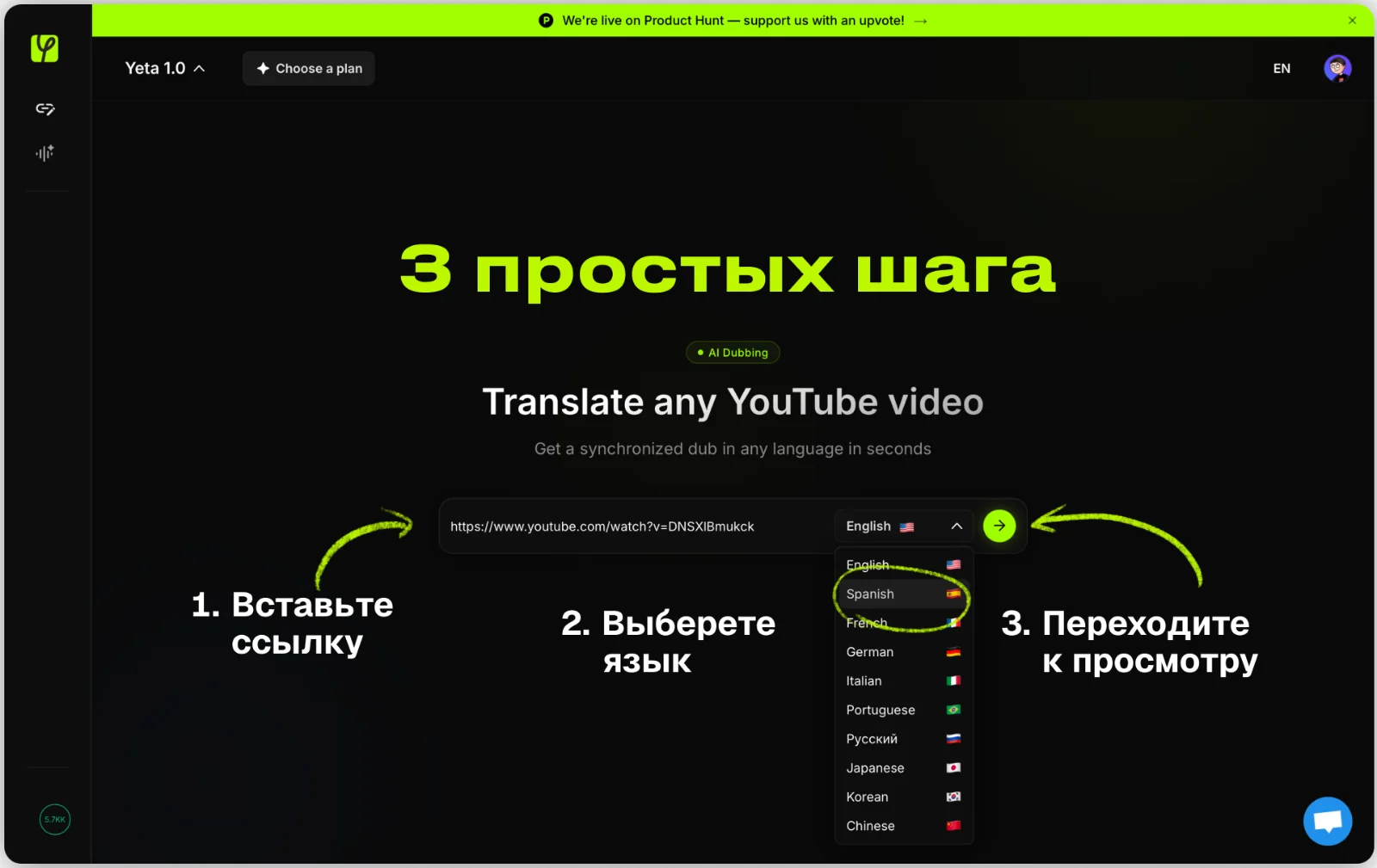
The first version already solved the main task: paste a link, choose a language and wait. A list of videos on the left, a choice of the Yeta 1.0, 2.0 or 3.0 model on top, and three hints under the field: paste a link, wait for processing, watch in your own language.
- One main screen. A link field in the center, everything else at the edges.
- Models. A choice between Yeta 1.0, 2.0 and 3.0.
- Hints. Three short steps under the input field.
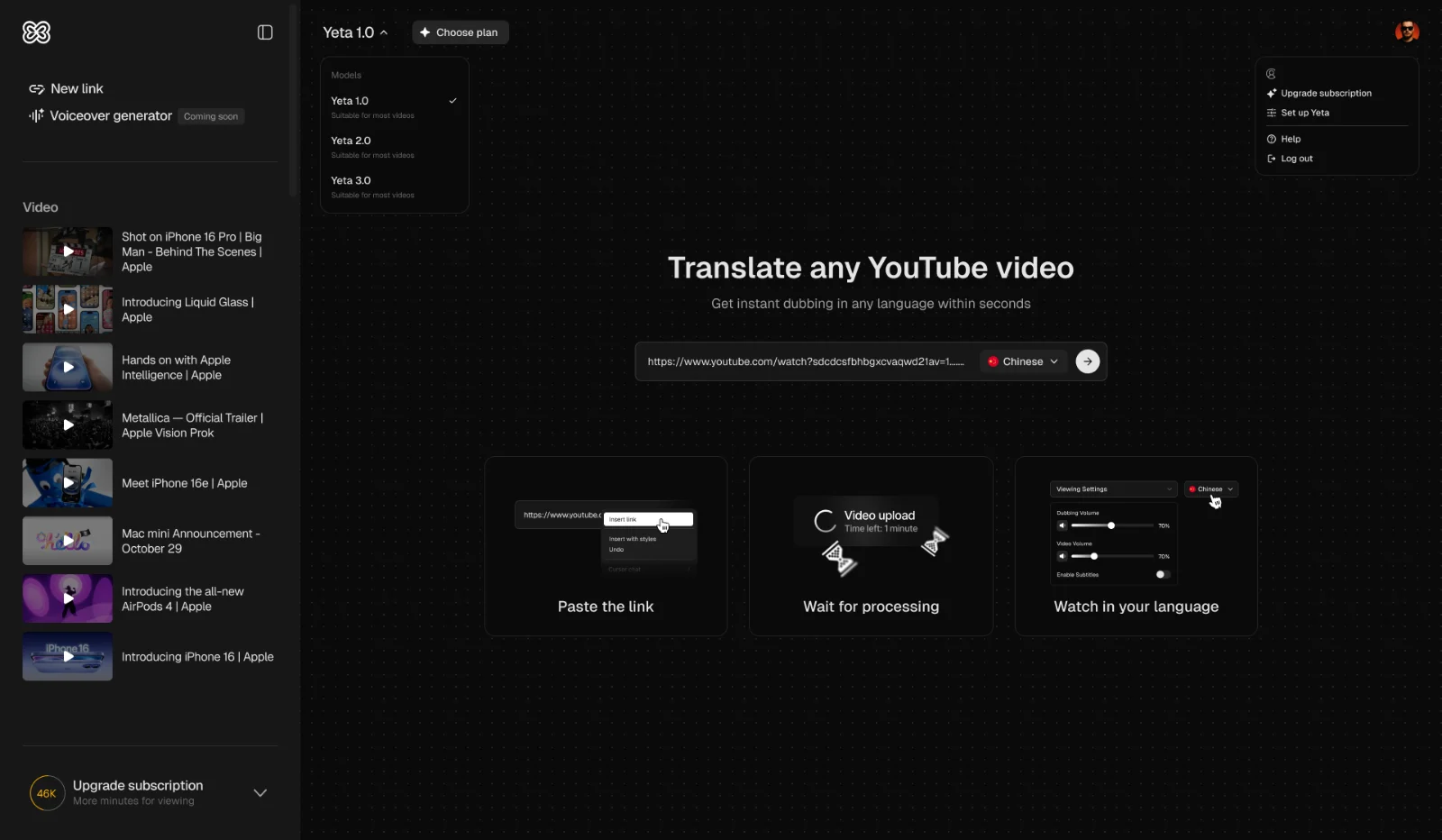
The first version of the interface -
Next
Product design
We drew the user path, the key screens and the design system. The signature lime color on a dark background keeps the attention on the video and the main buttons.
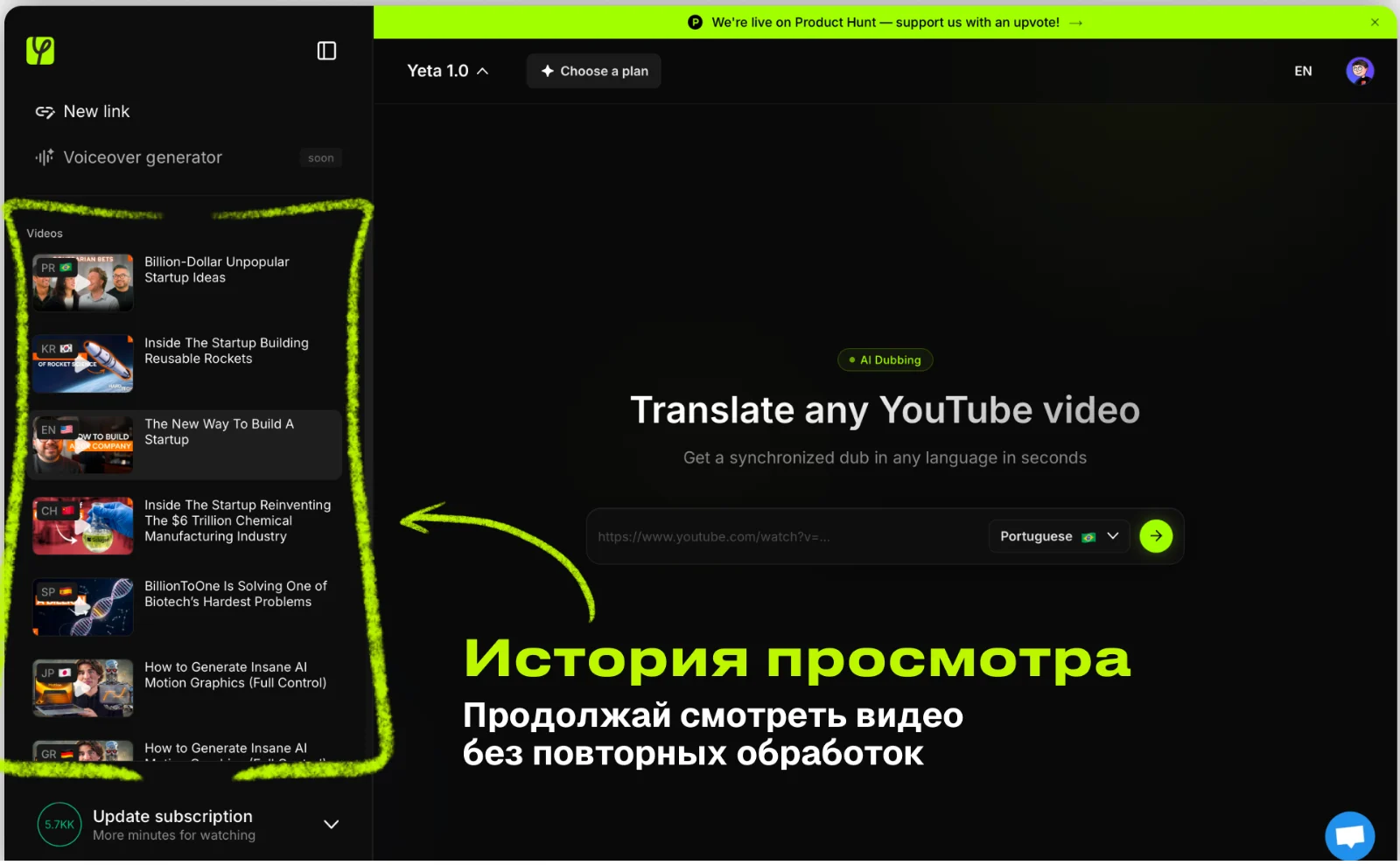
- The video list. The history on the left: you can continue watching without reprocessing.
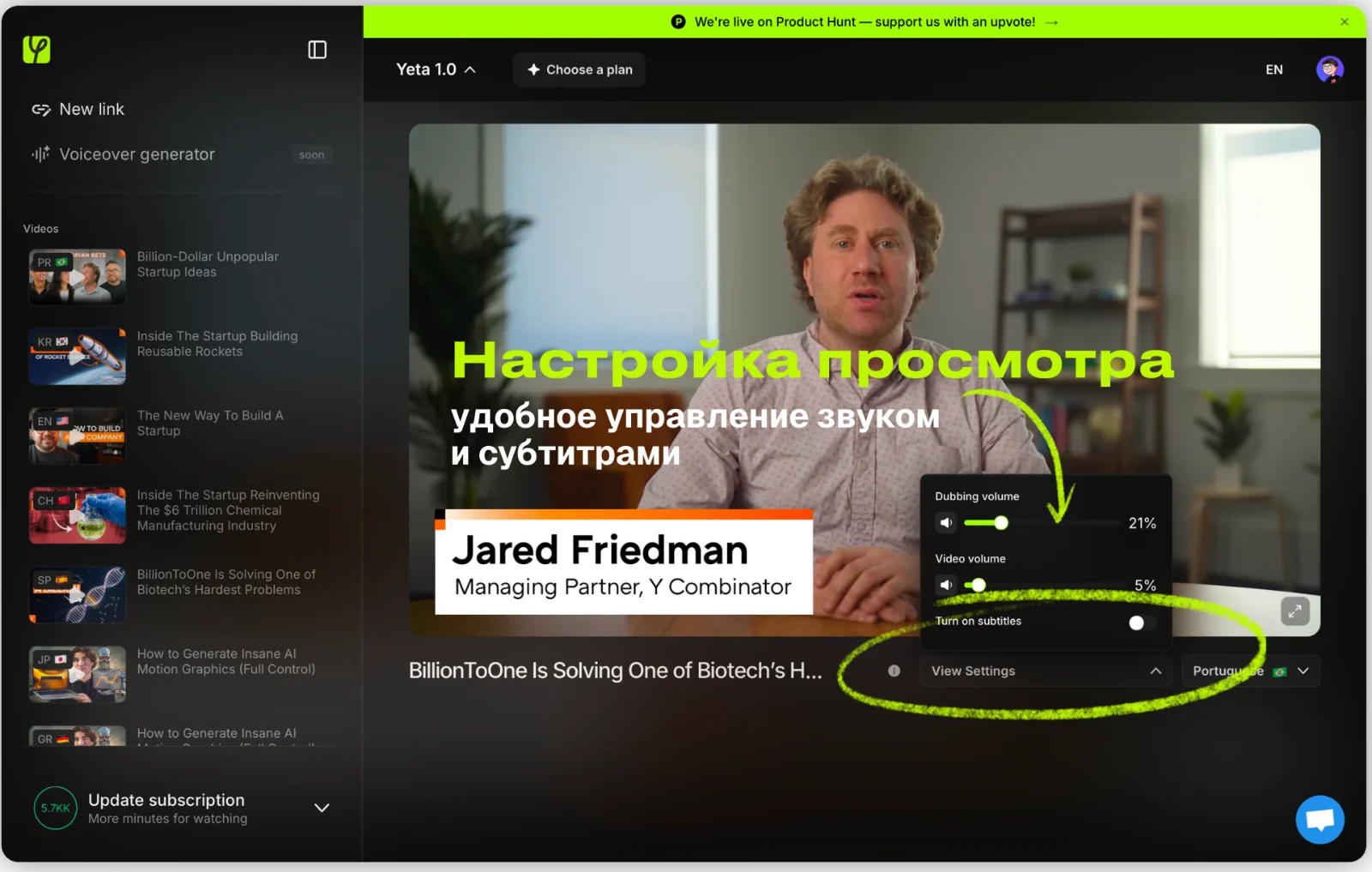
- Viewing settings. The volume of the dub and the original, subtitles and a language choice in one window.
- Subscription. At the bottom, the remaining minutes and a link to the plans.
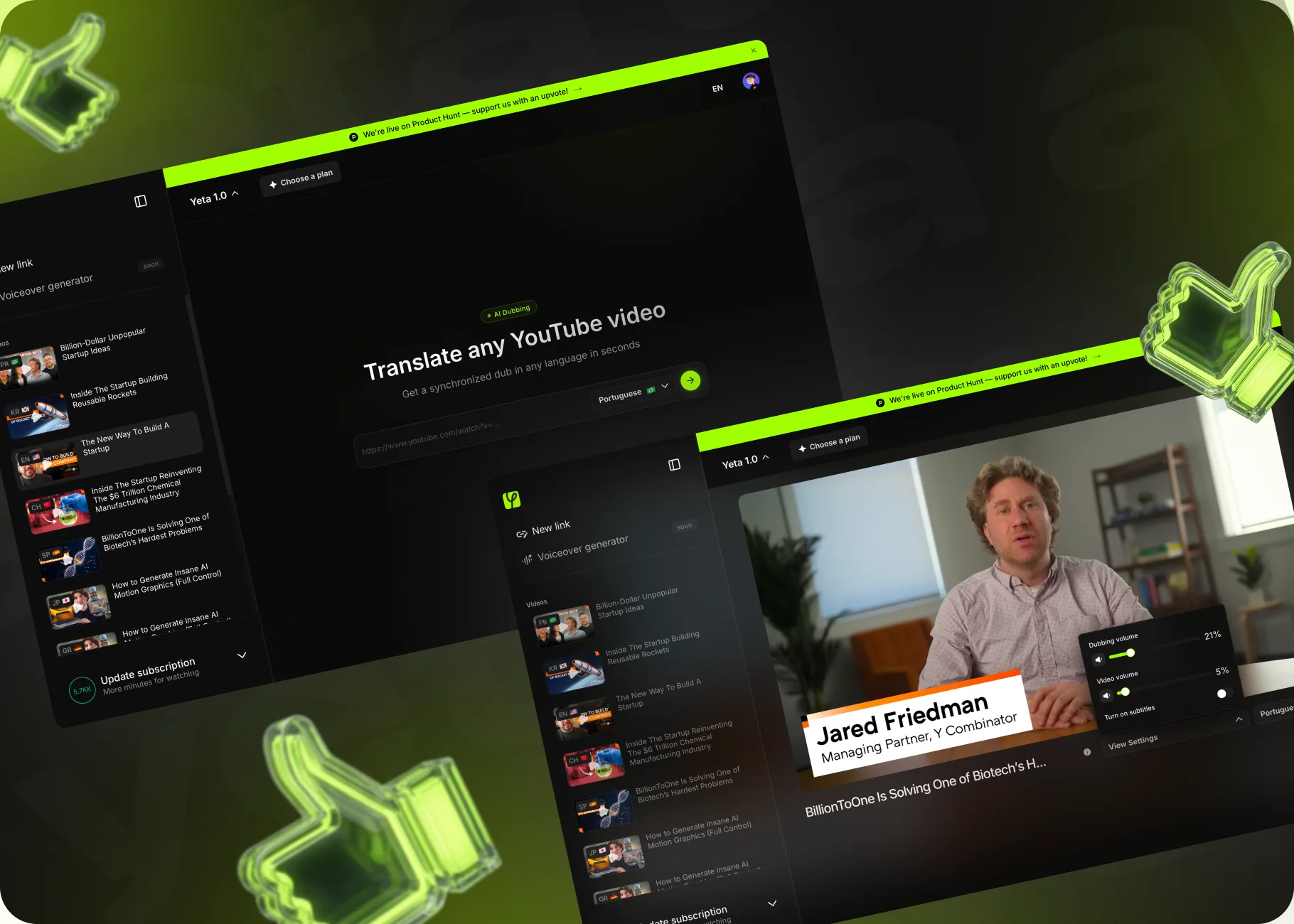
- Launch on Product Hunt. Above the interface there is a bar asking to support the launch.
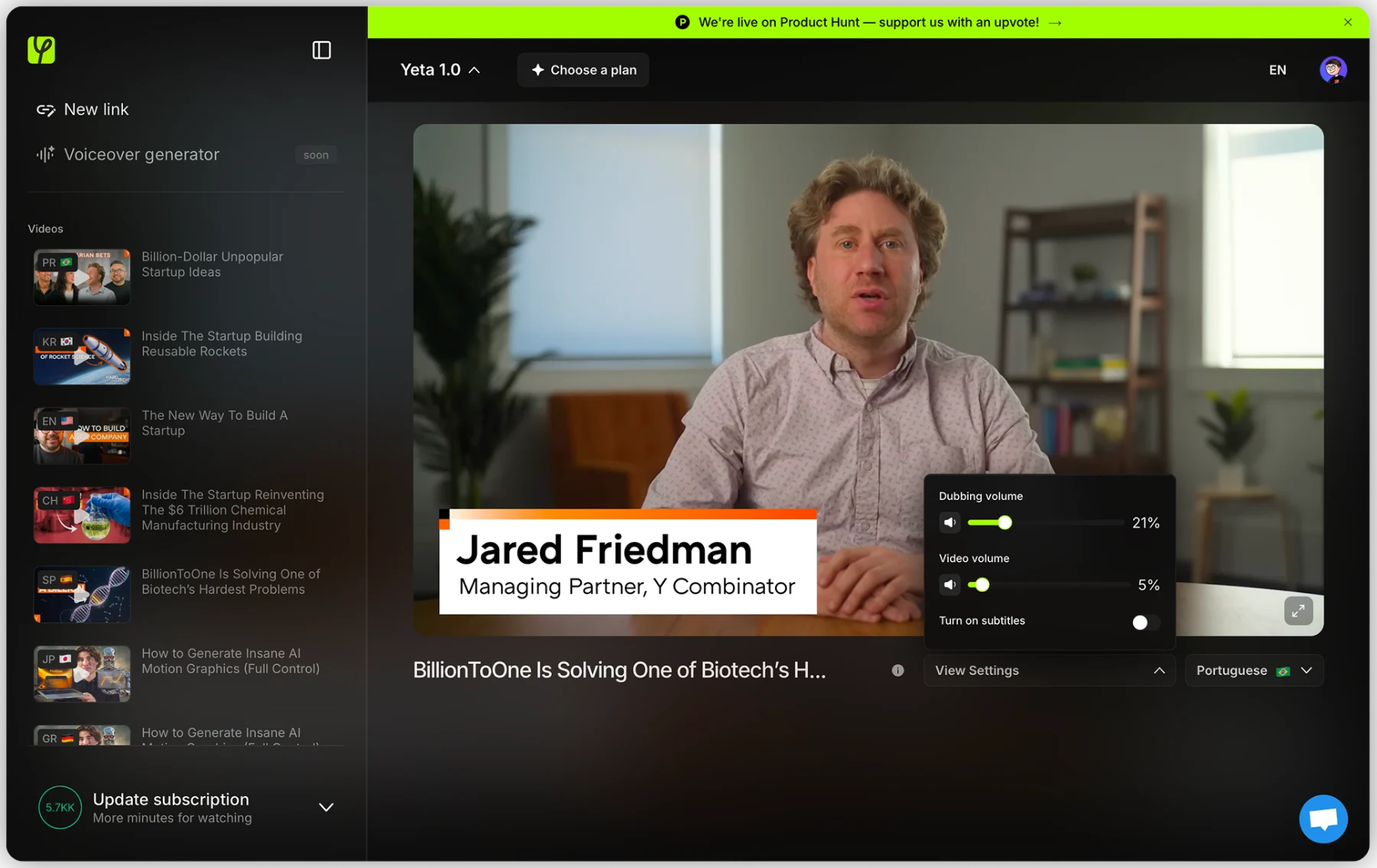
The main screen of the service -
In sprints
The server side, interfaces and AI
We built the server side, the personal account and the interfaces, showing the result after every stage, and integrated the AI dubbing technologies into the product.
- Interfaces. The personal account and the screens of the service.
- Server architecture. A foundation that grows together with the product.
- AI integration. The dubbing module is connected to the interface, and the user sees the status of the task.
What the product is made of
- Interfacesscreens and a design system
- Server architecturea scalable foundation
- The AI modulesynchronized dubbing
-
Launch
Launch and development
We moved it to the server, set up monitoring and analytics and recorded a plan of improvements.
- Improvement plan. We recorded what we add next, based on real usage data.
Launch
- Move to the servera working website
- Analyticsgoals and requests
- Handoveraccess and training
- Developmentnew plans and functions
How the service explains itself
On the main screen the service explains itself. Three steps, paste a link, choose a language and go to watching, are drawn as hints right over the interface. The viewing history and the settings are shown the same way.
A video about the service
How Yeta AI works is easier to show than to describe: a video on our YouTube channel explains in 40 seconds how to watch any video in your own language.
Advertising banners
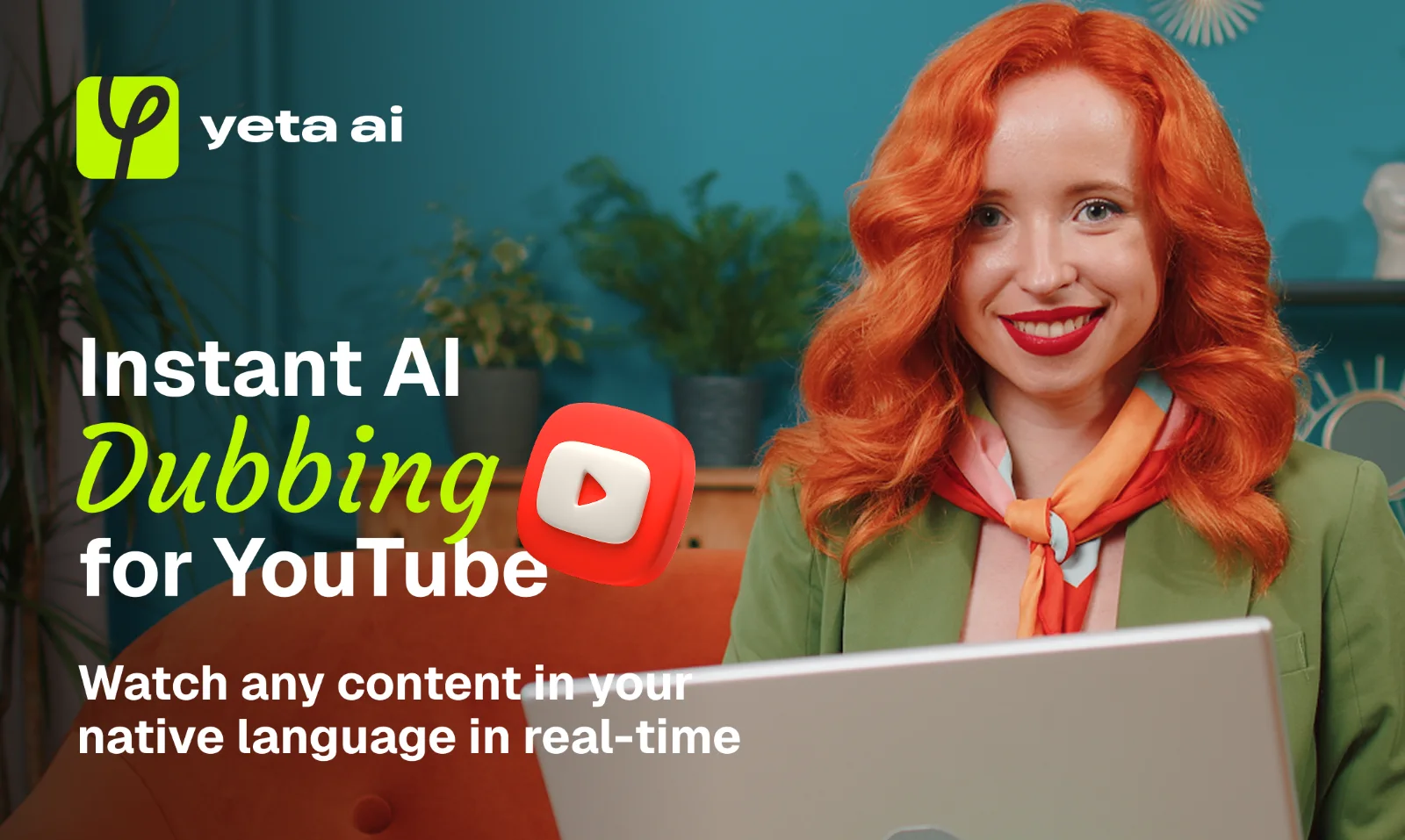
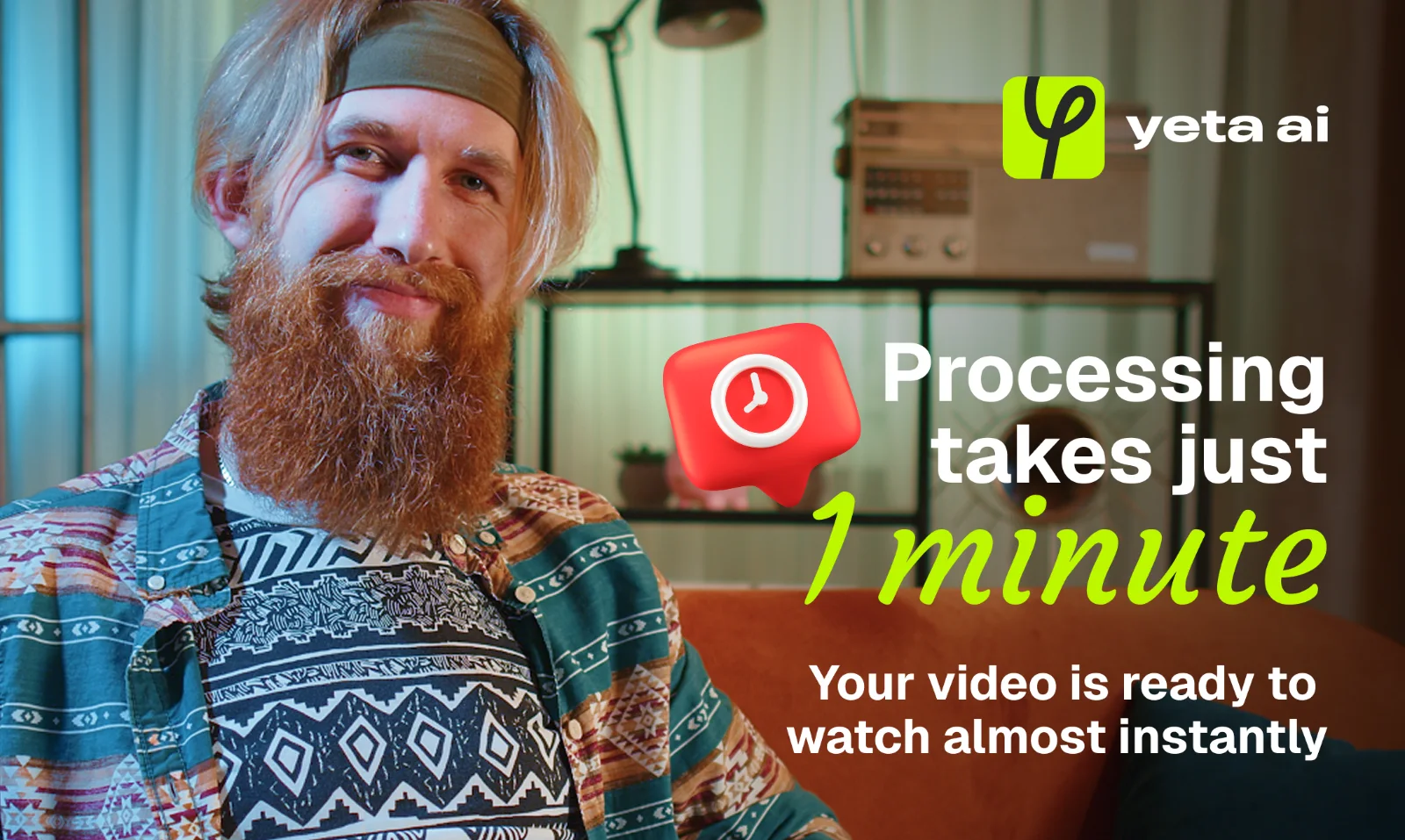
Two banners were prepared for the product launch: a large slogan, a logo on top, a live face and a lime accent. One is about instant dubbing for YouTube, the other about processing taking just a minute.
The solution
- A full in-house cycle: product design, server architecture and interfaces in one team
- Synchronized AI dubbing of YouTube videos as the main function of the product
- A design system on which plans, roles and functions can be added without redoing it
- The service explains itself on the main screen: three steps and hints right in the interface
- Viewing history and volume settings for the dub and subtitles: you can watch without reprocessing
What the work included
- Product design
- Server architecture
- Interfaces
- AI integration
- Personal account
- Analytics
Client review
We needed a partner for the whole cycle: from product design to the server side and AI integration. The team kept one direction and did not lose details between stages.
Related services